Download e-OCI Digital Card 2026: QR PDF Steps
Download e-OCI after grant: Missions portal steps, offline QR PDF, phone wallet, airport use, and when the physical booklet still matters.
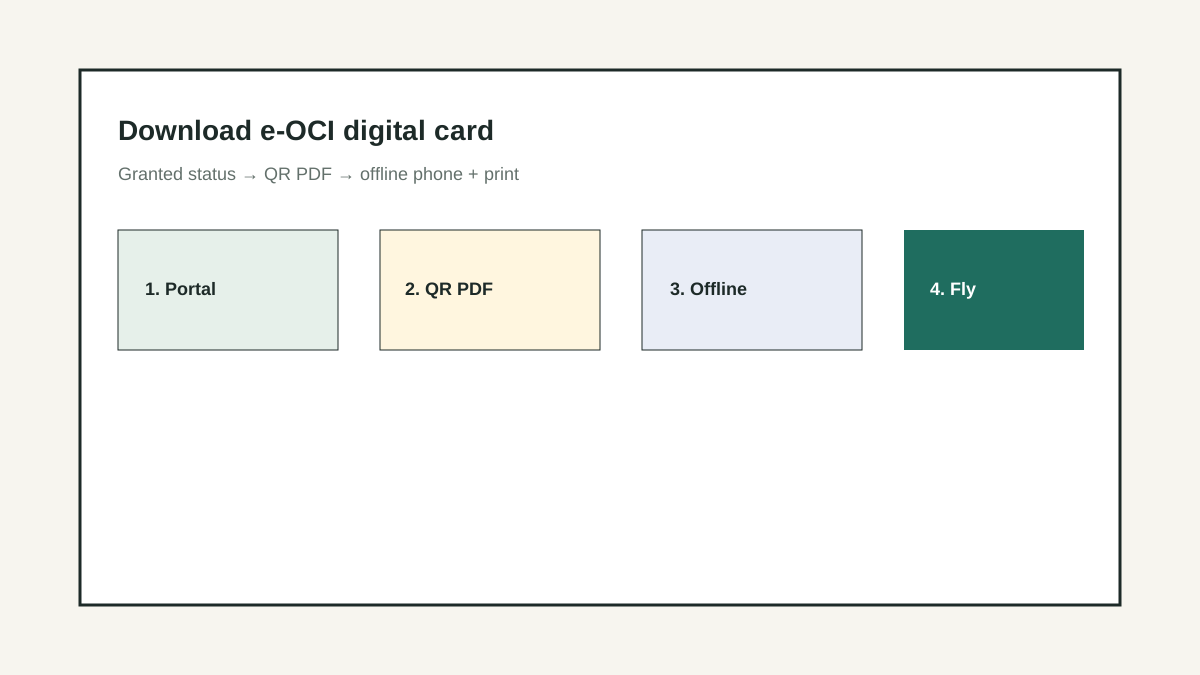
The 60-second version
After the 2026 e-OCI launch, most cardholder pain is not the fee — it is finding the download, saving the QR PDF offline, and knowing whether the digital credential is enough at the counter. This guide is the download-and-use path only; renewal application steps live on the OCI renewal guide.
Download first — do not re-apply by accident
Search traffic around e-OCI is dominated by one job: get the digital card file after the application is granted. People open the wrong form, start a second renewal, or screenshot a status page that immigration will not accept. The safe path is status → download issued credential → offline QR PDF → optional print, without touching a new application while one is complete.
This page covers download, storage, re-download, and travel-day use. For fees, photo size, lost booklet, or first-time renewal workflow, use the OCI renewal guide. For Aadhaar and PAN after you land, use the redesignation guide.
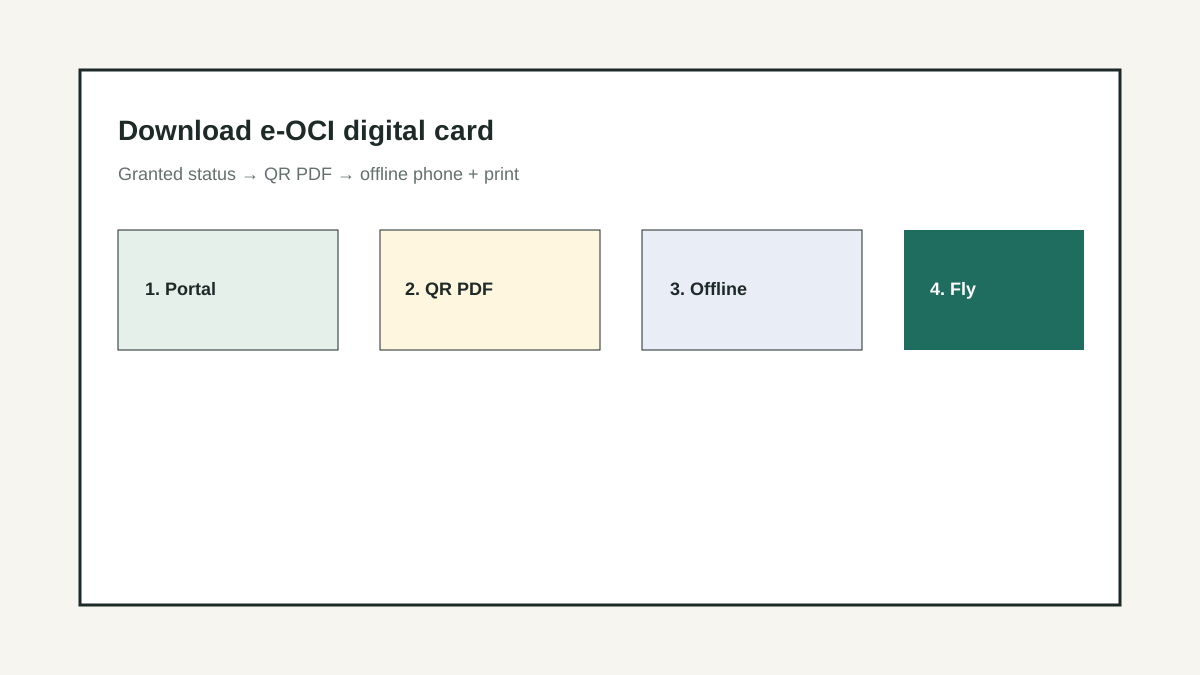
Portal status → what you do next
| What you see | Action | Do not |
|---|---|---|
| Granted / card issued / ready for download | Download QR PDF and save offline copies | Start a fresh renewal or miscellaneous service |
| Under process / biometrics pending | Wait; keep appointment notes | Open a second file for the same person |
| Documents required / query raised | Upload only what the query asks | Ignore the query past the stated window |
| Rejected / closed | Read reason; fix; re-apply only when instructed | Download old drafts as if they were the card |
| PDF download fails | Retry browser, clear cache, try another device, re-login | Pay a third-party site for “OCI download” |
Eight-step e-OCI download and travel kit
Log into the official Missions / OCI service portal only
Use the government portal you used for the application (commonly the Indian Missions OCI online system). Bookmark it. Avoid lookalike domains.
Open the granted file for the correct person
Families with spouse and child OCI numbers mix up downloads. Confirm name, passport number, and OCI reference before saving.
Download the issued digital card / QR PDF
Save the official file the portal marks as issued — usually a PDF with a verifiable QR. Do not rely on a status screenshot alone.
Rename and store offline in three places
Phone files app, laptop vault, and a printed envelope. Name files PERSON_eOCI_YYYY-MM-DD.pdf so airport chaos is quieter.
Test open the PDF offline on flight mode
Open the file with Wi-Fi and mobile data off. If it needs a cloud login, export a true offline copy before you fly.
Add wallet / DigiLocker only as extras
If your mission or DigiLocker flow supports OCI storage, use it as a second path. DigiLocker does not replace the issued e-OCI PDF from the OCI portal.
Carry passport + e-OCI together
Immigration matches passport biographic data to the OCI credential. Keep both ready. Do not assume digital-only is enough if your airline or mission still advises the booklet for some lanes.
Re-download after device loss
If the phone dies, re-login to the same portal and download again. Keep the application reference number and registered email offline so recovery is possible abroad.
Where e-OCI usually helps — and where paper still wins
| Scenario | e-OCI QR PDF | Also bring |
|---|---|---|
| Airport immigration (typical OCI holder) | Primary digital credential when accepted | Passport; booklet if you still hold a valid physical card |
| Airline check-in desk | Show PDF if staff ask for OCI proof | Passport validity rules for the route |
| Bank redesignation / KYC | Helpful identity support | Passport, OCI booklet if any, address proof, Aadhaar path |
| School / employer HR | Sometimes accepted as identity | Self-attested copies per their checklist |
| Lost physical booklet reissue still open | Not a substitute for the reissue case | Police complaint / mission reissue track if required |
Travel-day e-OCI kit
- Offline PDF opens on phone in flight mode.
- Laptop or USB copy of the same PDF.
- Printed page with QR if printer available.
- Passport matching the OCI biographics.
- Application / file reference number written on paper.
- Registered email and mobile that receive OTP.
- Spouse/child PDFs separated and labelled.
- Screenshot is backup only — not the only copy.
Download flow
Need help with Move Planning?
Share your blocker in one line. Our experts will reply with practical next steps.
Never pay a third-party “OCI download service”
If a site asks for your OCI password or a fee to “generate e-OCI,” stop. Use only official Missions / MEA surfaces. Compromised credentials can expose passport and biometrics data and delay real reissue cases.
Quick visual

Animated decision map

Community signal
What to watch in real discussions
Treat repeated complaints as risk signals rather than official advice. This page does not link to community search results.
Interactive checkpoint
Turn this guide into a decision file
0 of 4 checked
How do I download the e-OCI digital card after approval?
Log into the same official OCI / Indian Missions portal used for the application, open the granted file, and download the issued digital card or QR PDF. Save it offline on phone and another device before travel.
Is a status page screenshot enough at immigration?
Treat screenshots as weak backup only. Carry the issued downloadable credential (QR PDF) plus passport. Follow current Bureau of Immigration / airline practice for your route.
Can I re-download e-OCI if I lose my phone?
Usually yes — re-login to the official portal with your registered credentials and download again. Keep the file reference and recovery email offline so you can do this from a hotel or airport device.
Do I still need the physical OCI booklet?
Rules and counter practice can still prefer or require the booklet in some situations. If you hold a valid physical card, travel with it alongside e-OCI until you confirm digital-only acceptance for your journey.
Is e-OCI the same as DigiLocker?
No. e-OCI is the digital OCI credential from the OCI process. DigiLocker is a general document vault. You may store copies in DigiLocker, but obtain the issued file from the OCI portal first.
My download button is missing — what next?
Confirm the file is truly granted, try another browser/device, clear cache, and check for open queries. If still blocked, use the mission’s status/help channel with your file number — do not start a duplicate application.
The plan is only as good as the sequence.
Tax, banking, schools, shipping — they all have dependencies. A wrong order costs months and lakhs. Get it right.